
With Yipy's Billing feature, creating invoices, checking transactions, and sending due-date reminders all run automatically in one system. Faster, tidier, and more transparent for managers and residents alike.
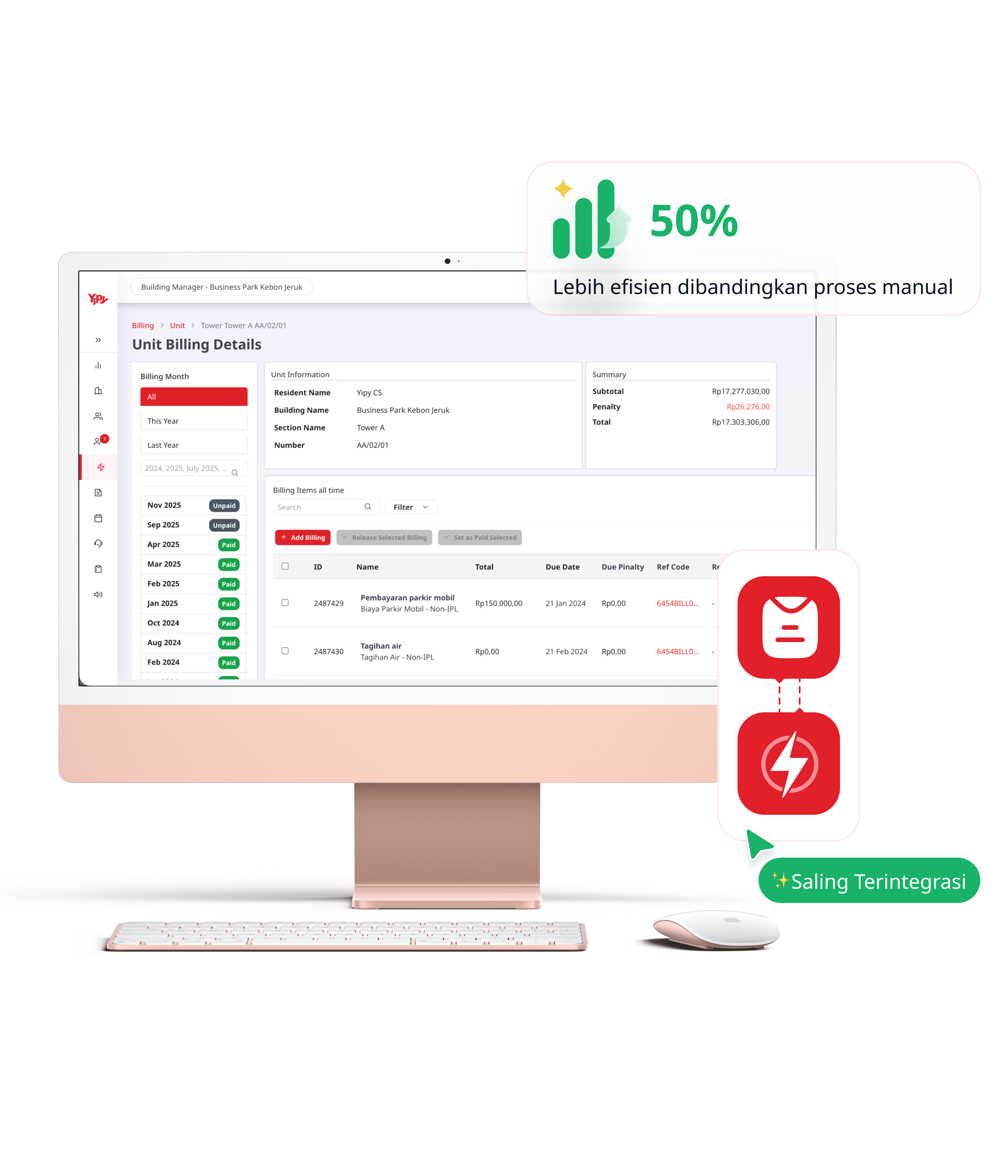
Handle invoices faster and more neatly. Everything from creation and release through to collection sits in one automated system that cuts the operational load on managers.
Managers can create, monitor, and organise every type of property invoice from a single dashboard, keeping billing data tidy and easy to review.
If the property uses Yipy's Electricity Token feature, the system automatically restricts electricity purchases while a resident has unpaid invoices. Once payment clears, access is restored in real time.
Yipy automatically sends due-date reminders, payment statuses, and payment receipts to residents — a significant reduction in day-to-day operational work.
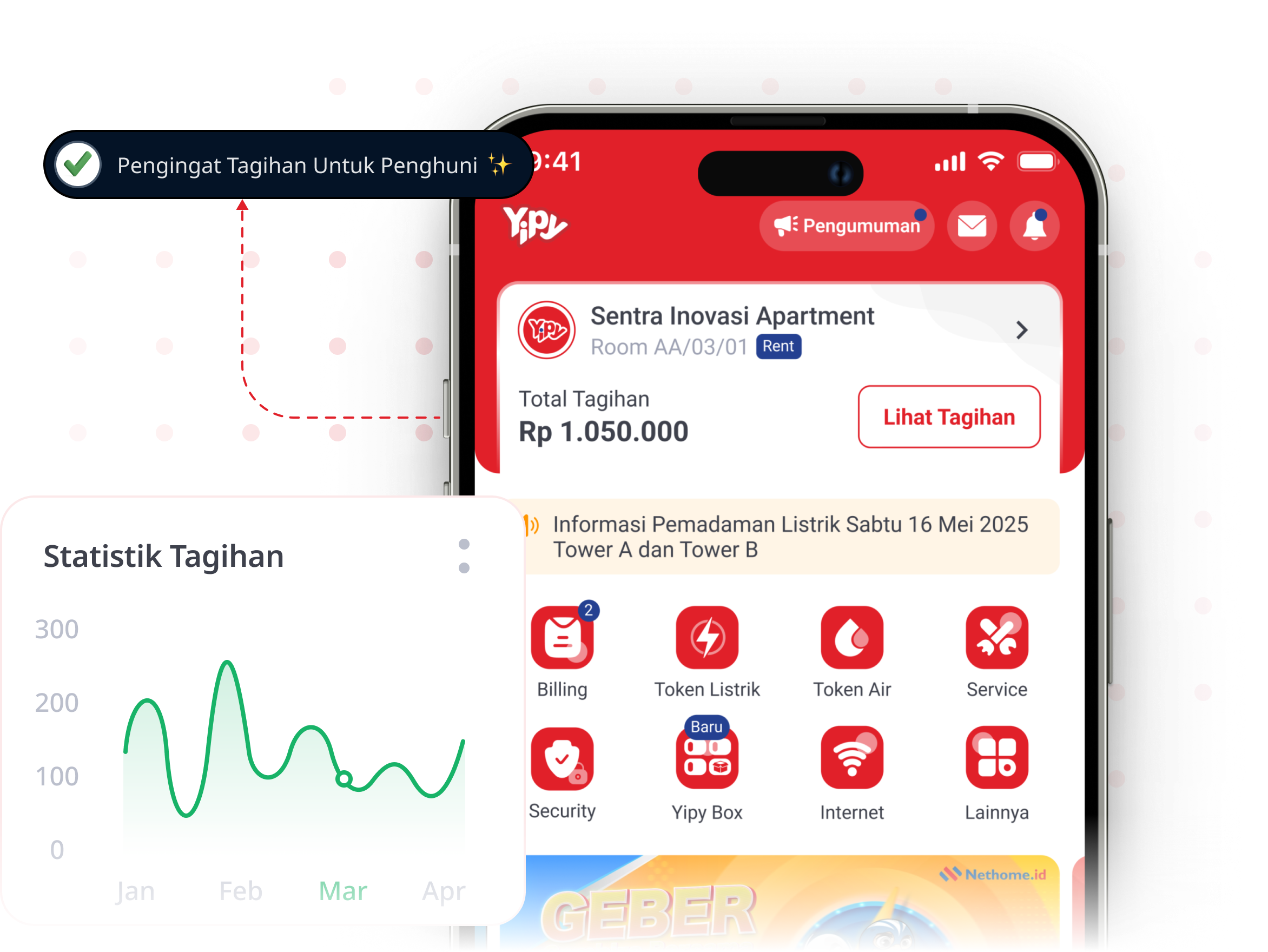
Billing makes it easy for residents to check their invoice information at any time. From reviewing invoices to transaction receipts, everything is stored in the Yipy app.
Payments can be made straight from the app, with no trip to the management office. A range of payment methods is available to suit you.
Every payment is recorded automatically in the app, so residents can review their payment history at any time without requesting records from the manager.
Automatic reminders go out before the due date, so residents never have to worry about forgetting. Every piece of billing information reaches them.
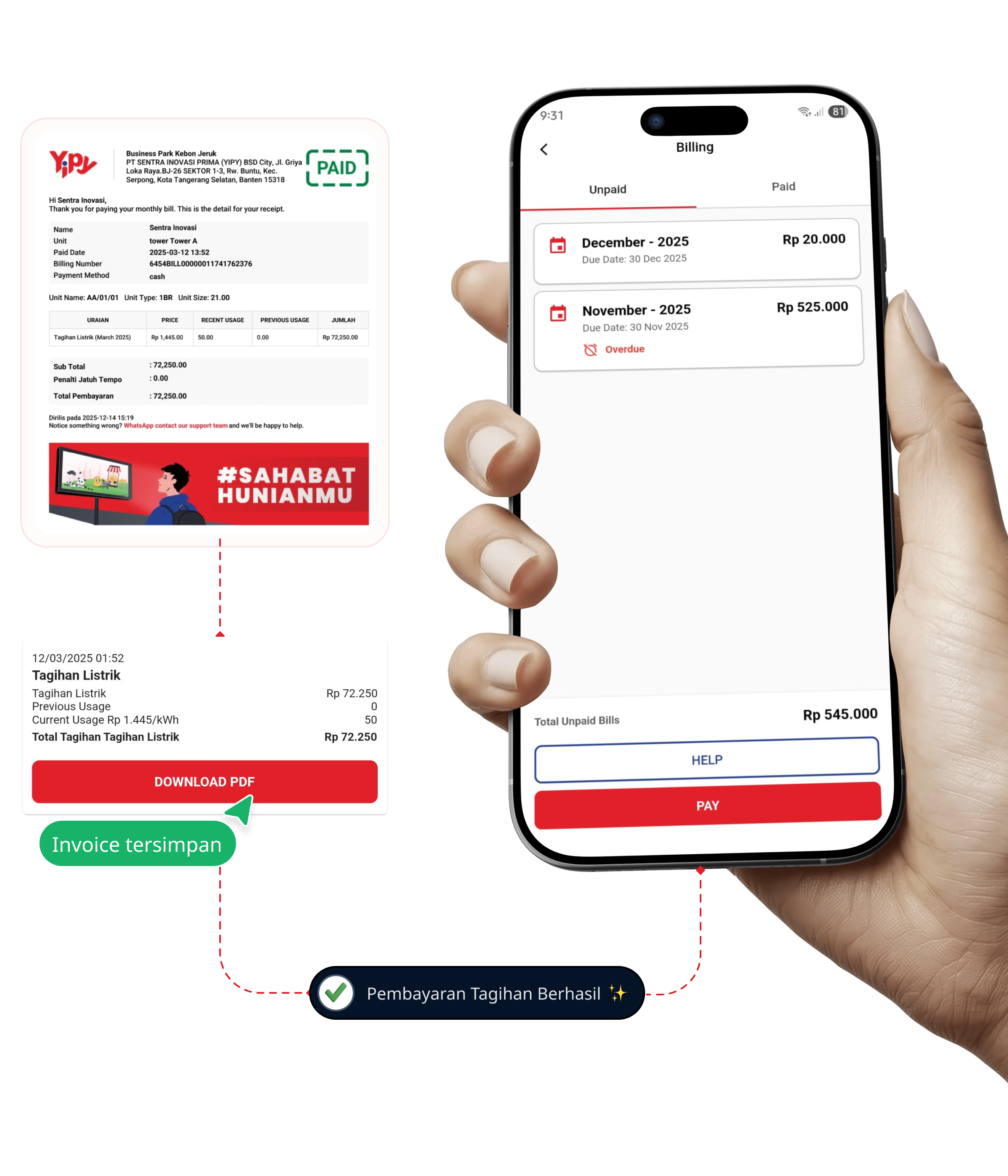
 Open the Yipy app on your smartphone, then go to the Billing menu.On the Billing page you will see the list of unpaid invoices. Tap the PAY button.
 Choose your preferred payment method, then follow the payment instructions until the transaction completes.
 Once payment succeeds, you can find the record under Billing > Paid.
How do residents pay their maintenance bills through Yipy?

Virtual Account




E-Wallet





Debit / Credit Card



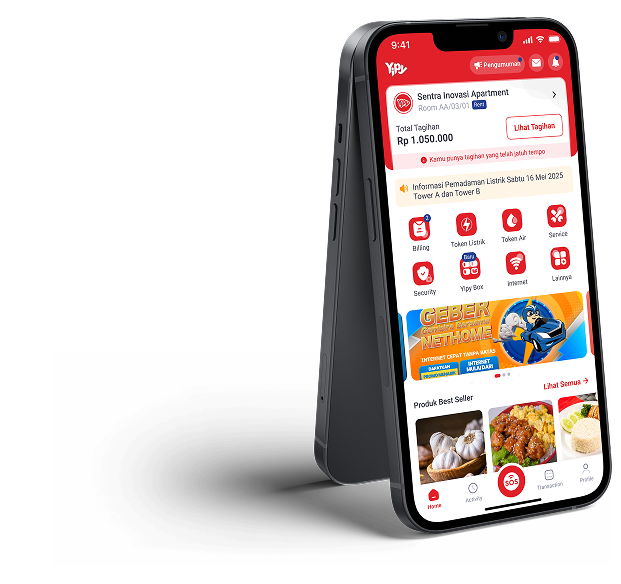
Paying bills, filing issue reports, buying electricity tokens, checking important updates — all of it straight from your phone.



Discover an easier way to manage your residential with Yipy. Get a free demo from our team, with no cost and no commitment.