
Task Management in Yipy helps managers handle every resident report in a structured way — from the moment it arrives, through handling, to completion. Everything is recorded, transparent, and no report slips through.
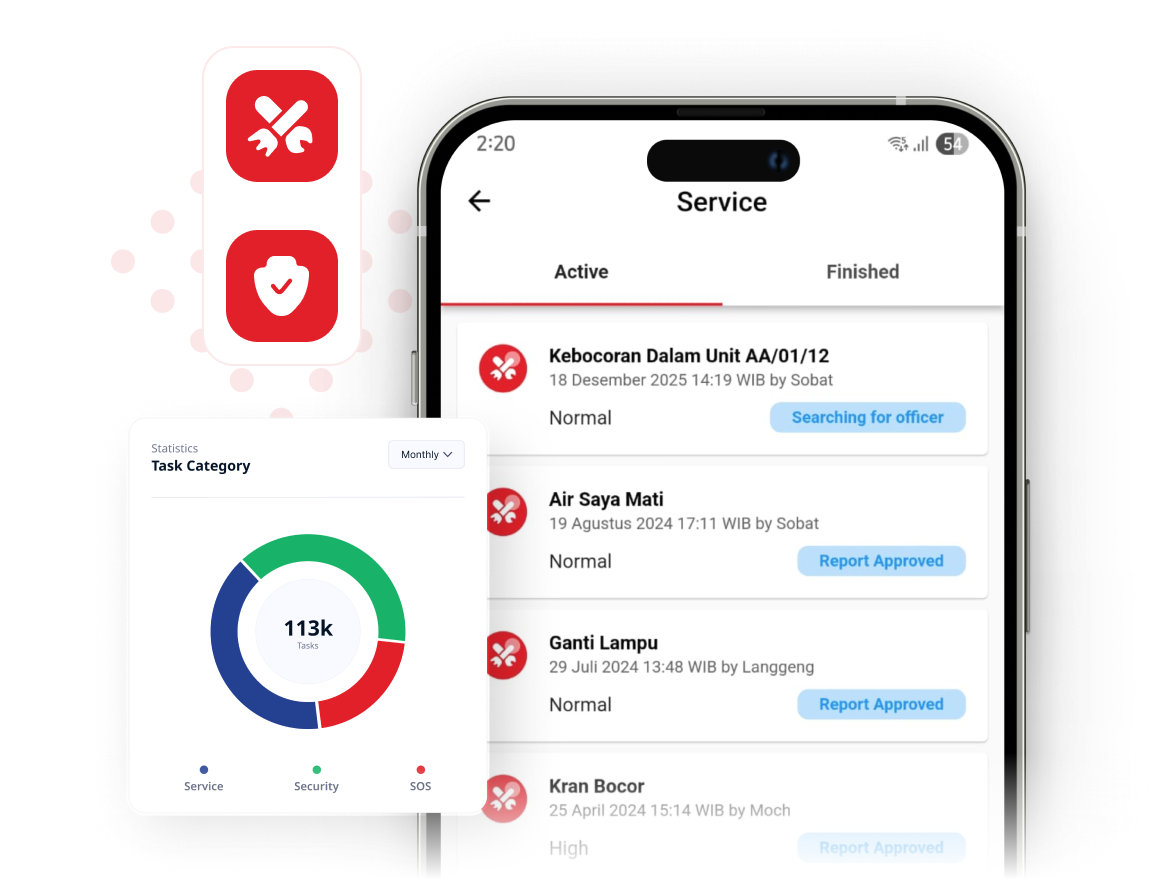

A system built specifically for residential operations makes receiving and handling reports simpler — tidier, more transparent, and more efficient.
Every report is automatically assigned to the staff member currently on shift, so managers no longer have to hand out reports one by one.

Managers can set up their own departments. When filing a report, residents pick the department it should be directed to.
Managers can review each staff member's performance: how many reports they handled, how many are finished, and which are still in progress.
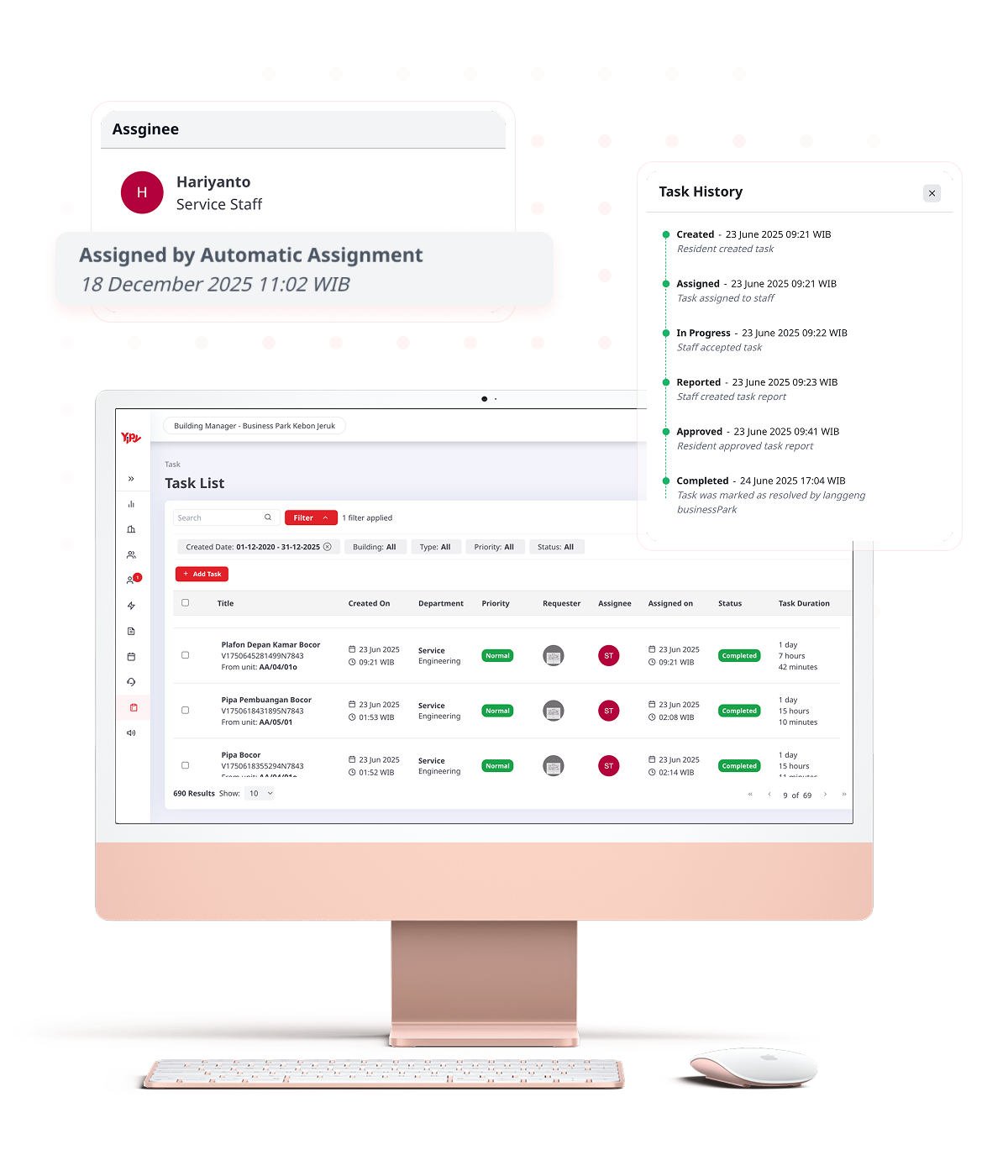
No more reports scattered across private chats or forgotten follow-ups. Every resident report automatically becomes a task with trackable progress and an assigned staff member.
Every resident report is logged as a task straight away, complete with the details of the issue and the unit involved.
Manage each report through Created, Received by Staff, In Progress, and Completed without any manual follow-up.
Every handling activity is stored neatly — easy to review and audit, and useful as input for improving service.
Residents no longer have to chase up their reports. The whole handling process can be tracked straight from the app.
Every report is routed straight to the right staff department, so residents know from the start that the right people are handling it.
Reports are automatically processed by the staff on duty, helping issues get resolved faster with no trip to the management office.
Residents can check report status as it moves from received to in progress to completed, without asking or following up repeatedly.
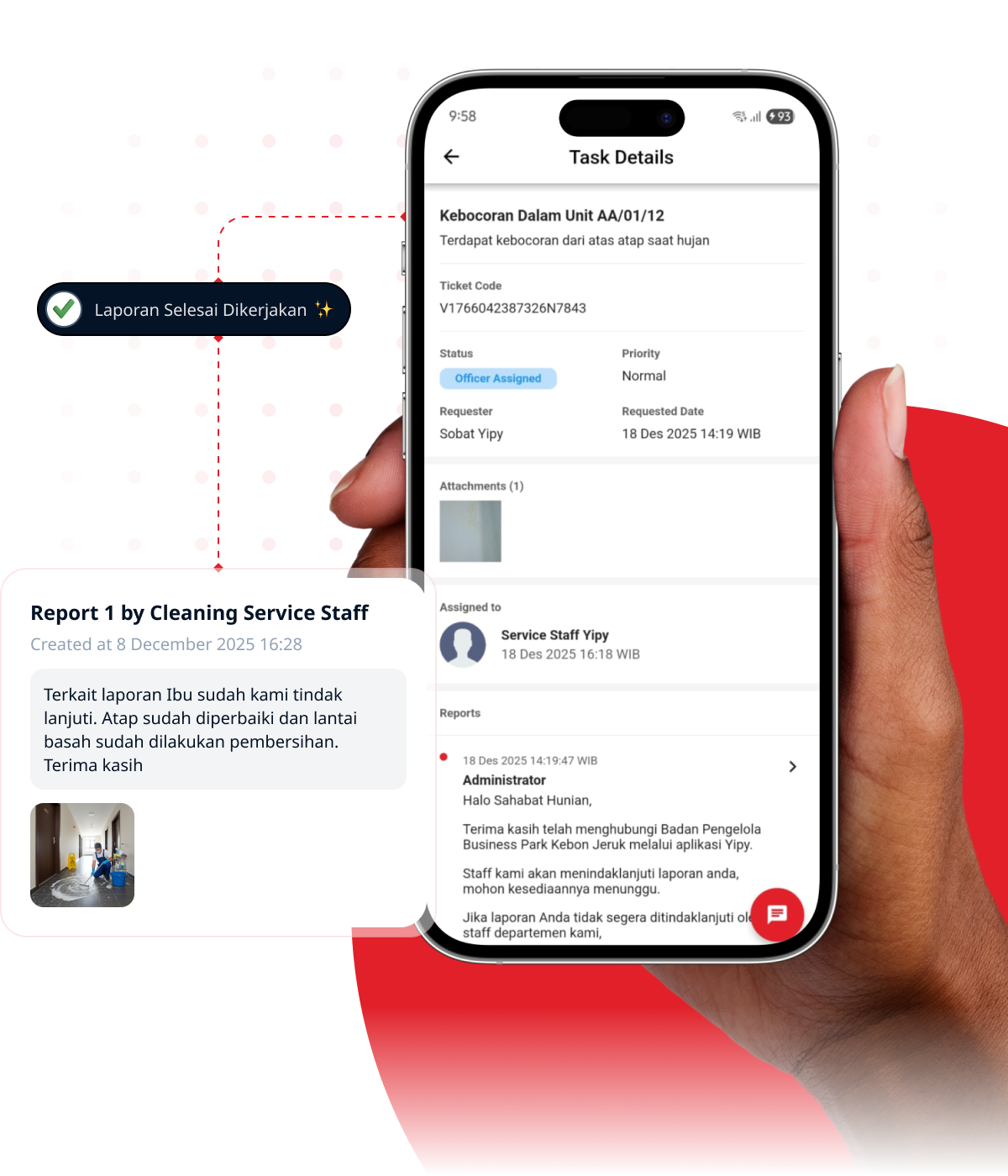
 Open the Yipy app on your smartphone, then choose the Services menu, or Security for security-related reports.Tap the “+” button to start a new report.Choose the department that matches the type of issue, then fill in the report details. Add a photo so staff can understand the situation more clearly.
 Track the handling progress straight from the app until the work is marked complete.
How do residents report damage in their unit?

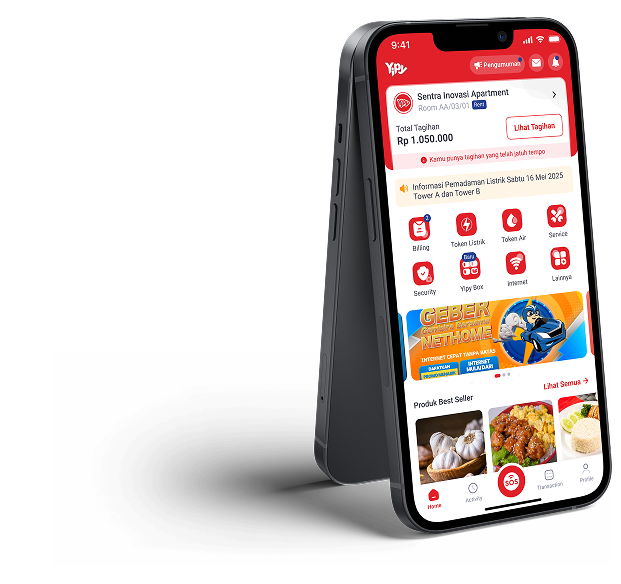
Paying bills, filing issue reports, buying electricity tokens, checking important updates — all of it straight from your phone.



Discover an easier way to manage your residential with Yipy. Get a free demo from our team, with no cost and no commitment.